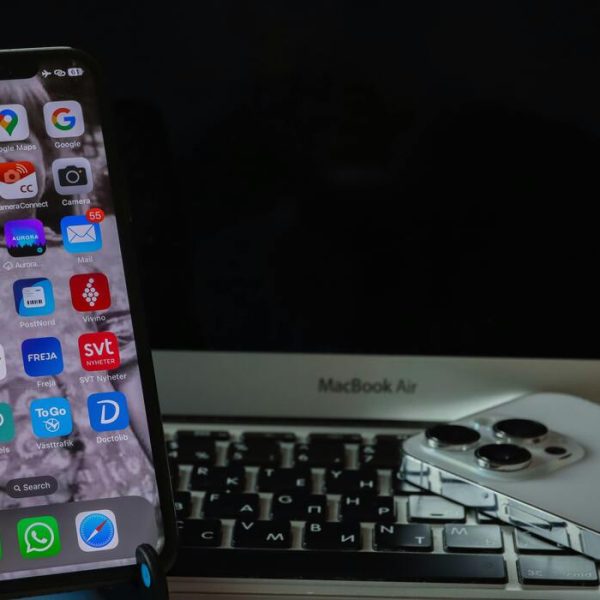

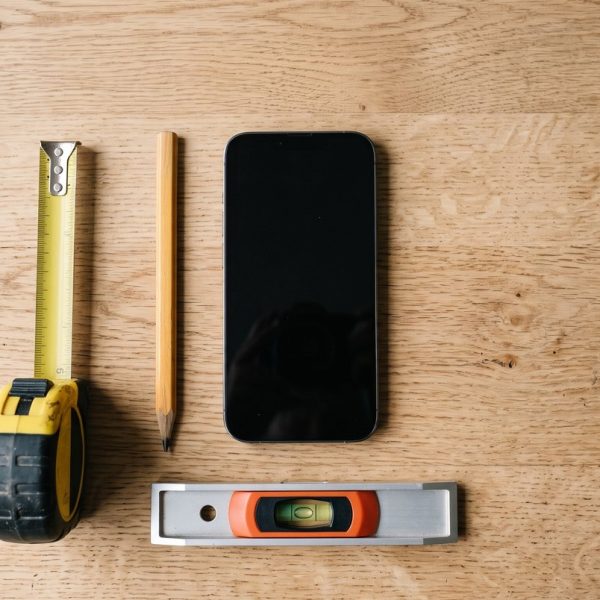
Not long ago, measuring a room meant hunting through a drawer for a tape measure. Now the tool is already in your pocket. A good app to measure distance can size up a wall, check whether a sofa will fit through a doorway, or estimate the length of a garden fence, all from the phone you carry everywhere. The results are genuinely useful, though they are not magic. Knowing how these apps work helps you trust them when it counts and double-check them when it really matters.
How a phone measures the world
The trick behind most measuring apps is augmented reality. Your phone combines the camera feed with data from its motion sensors, the accelerometer and the gyroscope, to build a rough three-dimensional map of the space in front of you. As you move the phone, it tracks how far and in which direction it has travelled, then lets you drop virtual points onto real surfaces. The distance between two points becomes simple geometry once the phone knows where they sit in space. If you want the deeper background, the overview of augmented reality explains the sensor fusion that makes it possible.
Measuring distance, and where it goes wrong
For short, well-lit spans, a phone app to measure distance is often accurate to within a few percent, which is fine for hanging a shelf or buying a rug. Accuracy falls apart in predictable ways, though. Long distances let small tracking errors add up, so a ten-metre measurement can drift noticeably. Dim rooms, blank white walls, and shiny floors give the camera too little texture to lock onto, and a shaky hand makes it worse. These apps are best treated as very good estimators, not laser instruments.
Android and iPhone each have one built in
You may not need to install anything at all. A measure app on Android, built on Google's ARCore framework, ships on many devices, while the measure app iPhone users already own has been part of iOS for years. Both work the same way: point, tap one end, tap the other, and read the number. Third-party apps add features like saving floor plans or measuring area and volume, but the built-in tools are a sensible first stop before you download anything.
More than a tape measure
Distance is only the start. The same sensors turn a phone into a small toolbox. The accelerometer powers spirit-level apps that tell you whether a picture is straight. The magnetometer drives compass apps. The microphone feeds sound-meter apps that estimate how loud a room is. None of these fully replace a dedicated instrument, but for everyday jobs they are close enough and always within reach, which is exactly why phones have quietly become measuring tools rather than just screens.
When to trust it and when to grab a tape
A good rule is to match the tool to the stakes. Estimating whether a bookshelf will fit a nook? The app is perfect. Cutting an expensive piece of timber to length? Confirm with a real tape measure first. People who rely on phone measurements for work usually take several readings and average them, and they know to remeasure whenever the lighting or the surfaces are poor. Treat the number on screen as a strong first opinion rather than the final word.
Phone-based measuring tools are impressive until the battery dies or the light goes, which is when older methods quietly prove their worth. Plenty of travellers still carry a printable us map for exactly that reason, because paper does not need charging and shows an entire region at once. The point is not nostalgia but redundancy: two ways of knowing where you are beats one clever one.
Phone-based measurement is accurate enough for planning a walk, which is mostly what visitors need. Distances in unfamiliar cities are consistently misjudged. Anyone working through things to do in cleveland on foot will find the map more compact than it looks.
Mind the battery and the sensors
All this camera and sensor work is demanding, and running an AR measuring session for long will warm the phone and drain the battery quickly. If your measurements start jumping around, a hot or nearly flat phone is a common culprit, which is one more reason to understand why your phone battery drains so fast and how to slow it down. Keeping the camera lens clean helps too, since a smudge quietly confuses the tracking.
Getting a more reliable reading
A few habits noticeably improve results. Measure in good light, keep the phone steady, and move slowly so the tracking never loses its place. Calibrate the app if it offers the option, and take a measurement two or three times to see whether the numbers agree. When they do not, the true value usually sits somewhere in between. App communities such as r/androidapps are a useful place to compare which measuring tools hold up best on specific phones, since performance varies a lot with the camera and sensors a device carries.
Built for a global audience
One last, easily overlooked detail: the best measuring apps travel well. They switch between metric and imperial units, translate their menus, and adapt to how different countries write measurements. When an app skips that step it frustrates half its users, a problem that echoes the wider lesson of how brands stumble when they ignore localization. A measuring tool is only as helpful as it is easy to read, wherever you happen to be standing.
Recent Posts

Why Android Phones Are Becomin...

How Editing and Proofreading I...

AI Tools Behind the Latest Pho...

Innovating Health with Medical...
Apps Mobiles Uniques pour Mesu...